A practical 2026 guide for photographers to deliver photos professionally with branded galleries, privacy controls, clear payment flow, and faster client handoff.
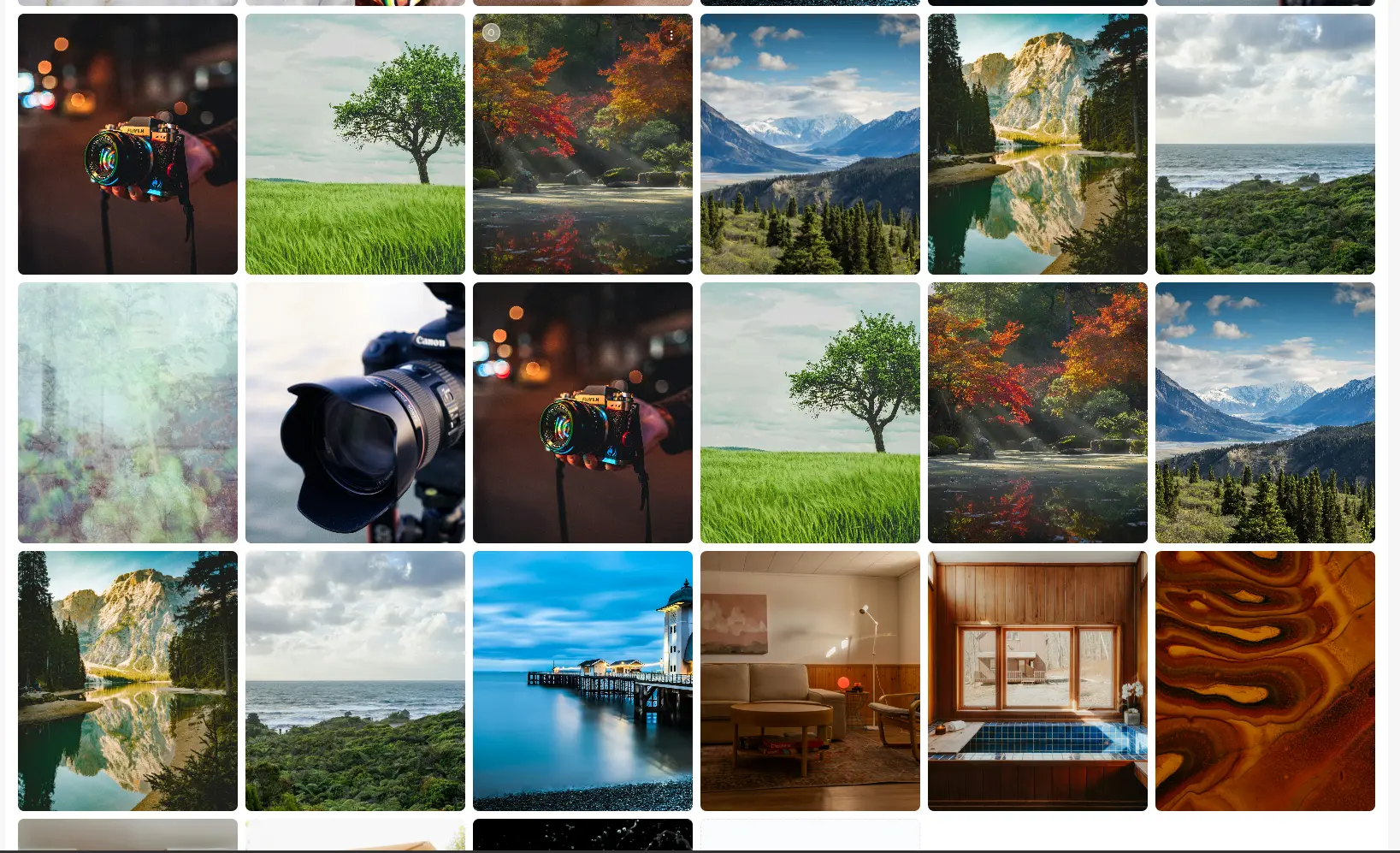
Delivering photos is no longer just a final step. In 2026, delivery is part of your brand experience, client communication, and revenue workflow.
If delivery feels messy, clients notice. If it is clean, fast, and professional, clients trust you more and refer you more.
This guide shows a practical end-to-end delivery system photographers can use today.
What "Professional Delivery" Means in 2026
Professional delivery is not just sending a download link. It means your client gets:
- A clean gallery experience on desktop and mobile
- Organized photos (highlights and full collection)
- Clear privacy/access rules
- Clear payment expectations where applicable
- Simple next steps with no confusion
From your side, it should also mean less back-and-forth and fewer manual admin tasks.
The 7-Step Professional Delivery Workflow
1) Prepare the Gallery Before You Share Anything
Before the client sees a link, make sure the gallery is structured:
- Add a clear gallery title
- Confirm cover image quality
- Organize media so it is easy to browse
- Double-check that accidental/test photos are removed
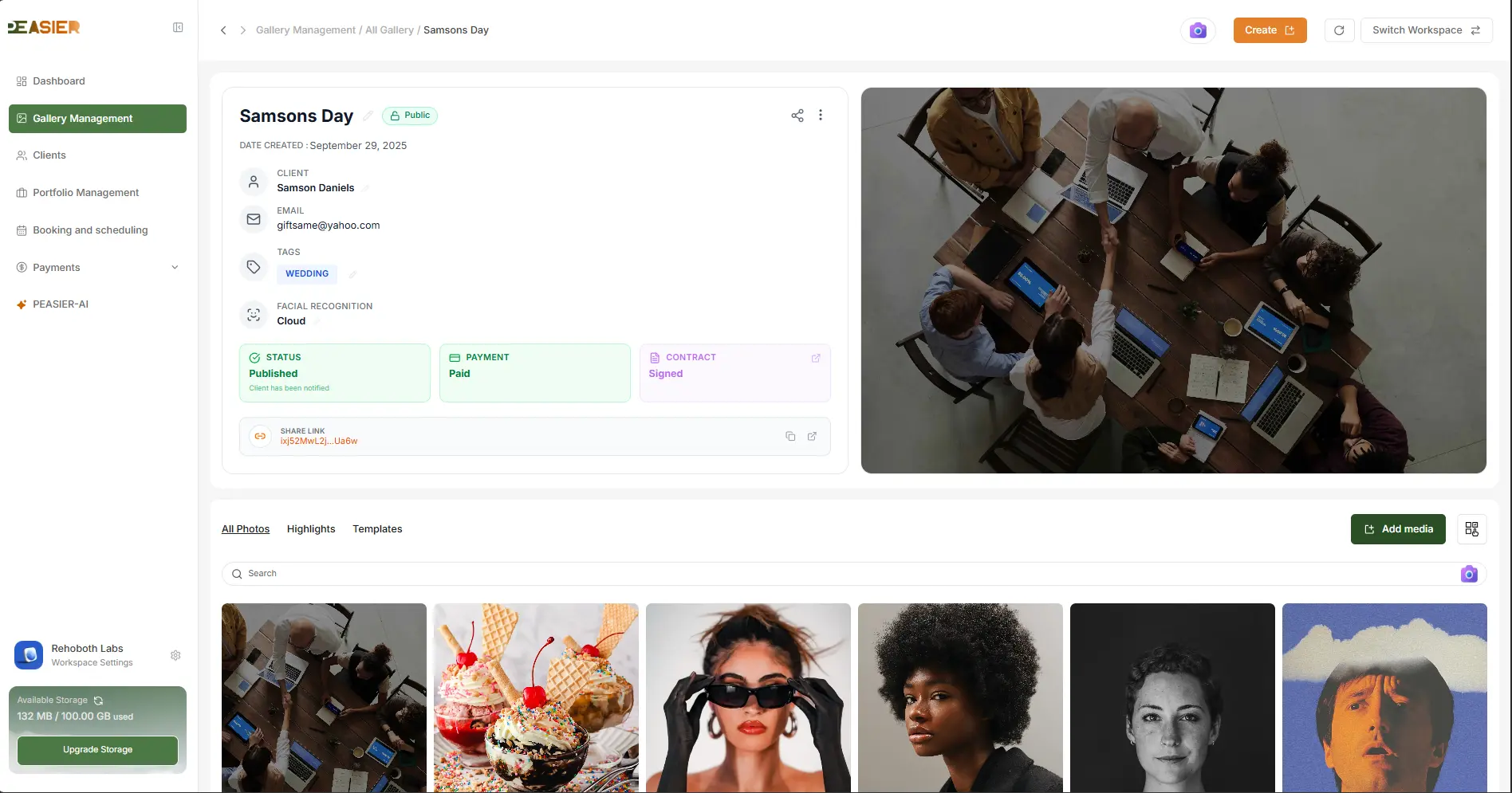
In Peasier, this happens inside Gallery Management, where media is organized in All Photos, Highlights, and Templates.
2) Lead With Highlights, Then Offer the Full Story
Most clients scan first and decide emotionally in the first few minutes.
A highlights-first structure helps them quickly see the best moments before diving into the complete set.
This approach creates a better first impression and reduces decision fatigue.
3) Use the Right Privacy Mode for Each Client
Not every project needs the same access level. For professional delivery, choose privacy deliberately:
- Public share for low-friction viewing
- Private or PIN-protected access for sensitive work
- Controlled tokenized links instead of exposing raw files
Peasier supports tokenized public gallery routes with configurable access behavior, helping you deliver securely without making the experience difficult.
4) Align Delivery With Payment (When Needed)
A common mistake is separating delivery and payment into disconnected steps.
For paid projects, your flow should clearly show:
- What is currently available for preview
- What unlocks after payment
- The exact amount due
- A direct, simple payment action
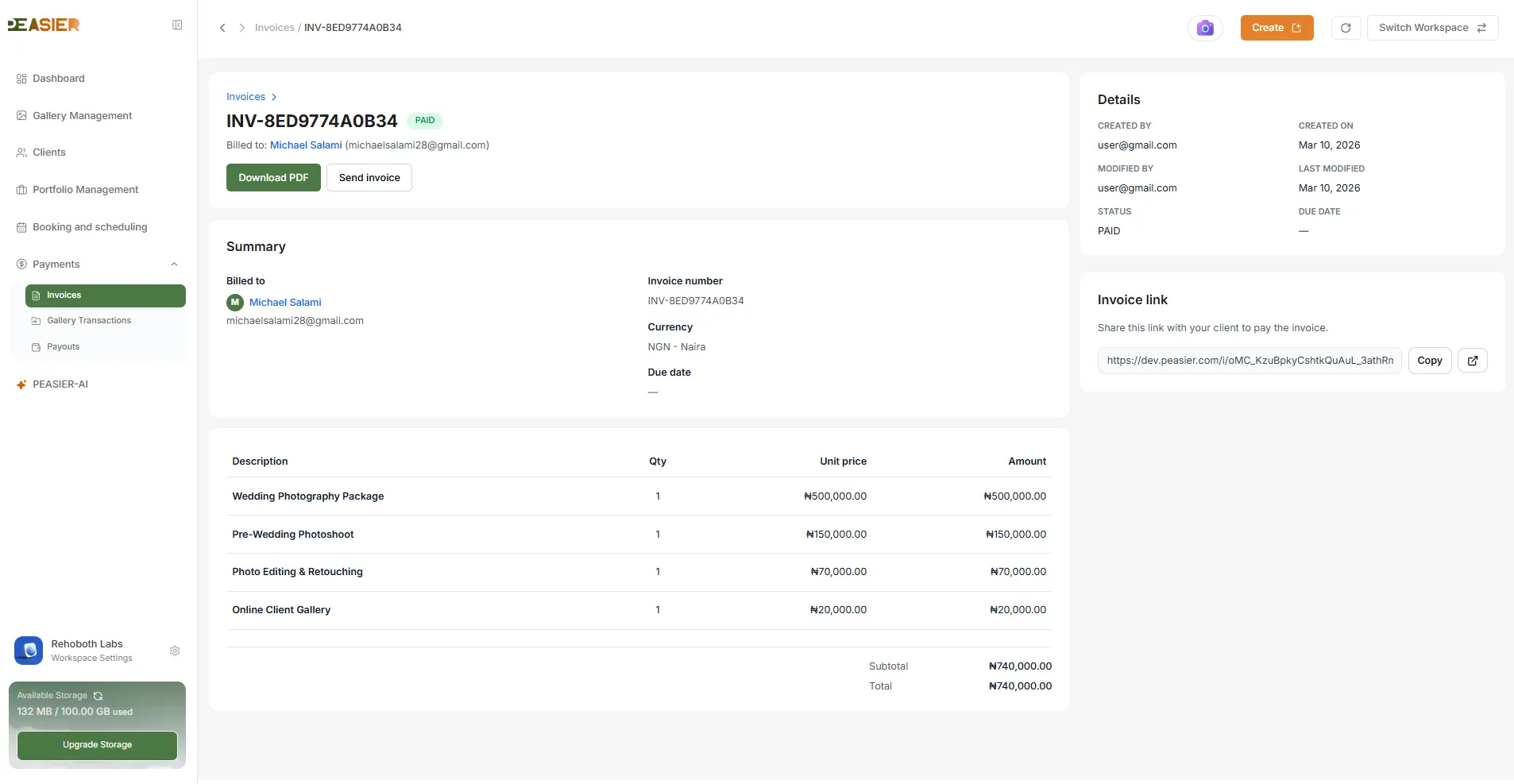
In Peasier, gallery and invoice payment workflows are integrated so clients understand what to do next and you avoid awkward manual follow-ups.
5) Make Mobile Experience a First-Class Requirement
Many clients open galleries first on their phone, not desktop. A delivery flow that only feels good on laptop is already behind.
Quick checks before delivery:
- Gallery is readable on mobile
- Important images load fast
- Buttons and actions are tap-friendly
- Text is clear without zooming
6) Reduce Back-and-Forth With Clear Client Instructions
A professional handoff includes direction, not just assets.
In your delivery message, include:
- What the client should review first (highlights)
- What they can do in the gallery (view/download/select if enabled)
- Payment instruction if any balance is due
- Expected turnaround for any post-selection or final exports
7) Track Financial Completion, Not Just Delivery
Delivery is only complete when the business workflow is complete too.
After sharing, monitor:
- Payment status
- Transaction visibility
- Payout progression
Peasier includes transaction and payout tracking so you can close the loop from gallery delivery to settlement.
Common Delivery Mistakes (And How to Avoid Them)
Mistake 1: Sending unstructured galleries
Fix: Curate highlights and remove noise before sharing.
Mistake 2: Weak privacy defaults
Fix: Use private/PIN access when project sensitivity requires it.
Mistake 3: Unclear payment step
Fix: Keep pricing and payment action in the same client flow.
Mistake 4: No clear client instruction
Fix: Add a short, repeatable handoff message template for every gallery.
A Practical Delivery Checklist You Can Reuse
Before sending any gallery:
- Gallery title and cover finalized
- Highlights curated
- Full media checked for quality
- Privacy mode selected intentionally
- Payment requirement configured (if applicable)
- Mobile view sanity-checked
- Client message prepared with next steps
Final Thoughts
Professional delivery is now part of your product as a photographer, not just your post-production.
When your workflow combines presentation, access control, and payment clarity, clients trust your process more and your operations become easier to scale.
If you want to run that entire flow in one platform, start with your next project in Peasier.